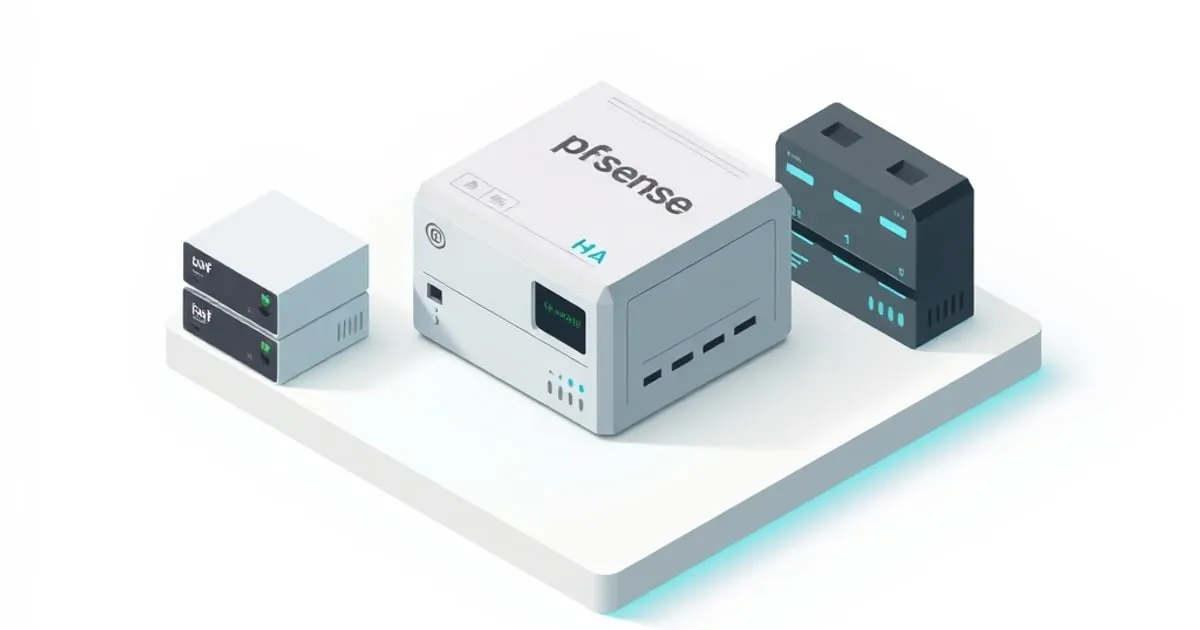
pfSense High Availability with CARP: Active-Passive Failover
Build a two-node pfSense HA cluster using CARP virtual IPs, pfsync state synchronization, and XMLRPC config replication — so a dead primary fails over to the secondary with active sessions intact.
pfSense high availability rests on three cooperating mechanisms, and understanding which does what is the difference between a working cluster and a confusing one. CARP (Common Address Redundancy Protocol) shares virtual IPs between nodes and elects a master. pfsync replicates the firewall state table so existing connections survive a failover. XMLRPC copies configuration one-way from primary to secondary so the two nodes stay identical. This guide builds a two-node active-passive cluster for a homelab or small office.
Before you start, a hard prerequisite: HA needs spare IP addresses. Each node needs its own real IP on each synced interface (WAN, LAN, and a dedicated sync link), plus a shared CARP VIP that clients actually use as their gateway. So on LAN you’ll consume three addresses (primary, secondary, VIP). On WAN, you need either multiple usable public IPs from your ISP or a setup where the upstream tolerates CARP — many residential ISPs hand out a single IP, which makes true WAN-side CARP impossible without a static block. Confirm your addressing before building anything; this is the most common reason a homelab HA plan stalls.
Topology
Two identical pfSense boxes. A dedicated sync interface (a direct cable between the two units, on its own subnet like 172.16.1.0/30) carries pfsync state and XMLRPC config. Do not run sync traffic over LAN if you can avoid it — a dedicated link keeps state replication off your production segment and is the documented best practice.
| Role | LAN real IP | WAN real IP | Sync IP |
|---|---|---|---|
| Primary | 192.168.1.2 | (public A) | 172.16.1.1 |
| Secondary | 192.168.1.3 | (public B) | 172.16.1.2 |
| CARP VIP (LAN) | 192.168.1.1 | (public VIP) | — |
Clients use 192.168.1.1 (the VIP) as their gateway — never a node’s real IP.
Step 1: Configure the sync interface on both nodes
On each box, assign the spare NIC as a new interface (e.g., SYNC), set static IPs as in the table, and add a firewall rule on the SYNC interface permitting traffic between the two sync IPs. Without that rule, pfsync and XMLRPC are silently blocked.
Step 2: Create CARP virtual IPs (primary only)
Firewall → Virtual IPs → Add, on the primary:
- Type: CARP
- Interface: LAN
- Address:
192.168.1.1/24(the VIP) - Virtual IP Password: a shared secret (both nodes use the same value — XMLRPC will sync it)
- VHID Group: a unique number per VIP (e.g., 1)
- Advertising Frequency: Base 1, Skew 0 on the primary (the secondary gets a higher skew automatically via sync, making it the backup)
Repeat for the WAN VIP if you have the public addressing for it.
Step 3: Configure HA sync / XMLRPC (primary)
System → High Availability Sync:
- State Synchronization (pfsync): enable, set the sync interface to
SYNC, and set the pfsync peer to the secondary’s sync IP. - Configuration Synchronization (XMLRPC): set the sync interface, the Synchronize Config to IP to the secondary’s sync IP, and the secondary’s admin username/password.
- Tick the categories to synchronize (firewall rules, NAT, aliases, VPN, DHCP, etc.).
XMLRPC runs one-way, primary → secondary. You make all config changes on the primary; the secondary receives them automatically. Editing the secondary directly is how clusters drift out of sync — don’t.
Step 4: Set up the secondary
On the secondary, configure only the sync interface and its HA pfsync settings (peer = primary’s sync IP). Do not manually create the CARP VIPs there — XMLRPC pushes them from the primary. Once XMLRPC syncs, the VIPs appear on the secondary in BACKUP state.
Step 5: DHCP and outbound NAT for HA
- DHCP: on the LAN DHCP scope, set the gateway and DNS offered to clients to the VIP (192.168.1.1), not a node IP. pfSense HA supports DHCP failover; configure the failover peer IP so both nodes can serve leases.
- Outbound NAT: switch to Manual/Hybrid Outbound NAT and set the translation address to the WAN CARP VIP so outbound traffic uses the shared address and survives failover.
Verify failover
- States: Status → CARP — the primary shows VIPs as MASTER, the secondary as BACKUP. If both show MASTER, your sync link is down (split-brain) — fix the SYNC connectivity/firewall rule first.
- Sync worked: a rule you add on the primary appears on the secondary within seconds.
- Real failover test: from a LAN client, start a continuous
ping 8.8.8.8, then reboot or pull the WAN/power on the primary. The secondary should take over the VIPs in roughly a second; ping may drop one or two packets. Active TCP sessions (an SSH session, a download) should survive thanks to pfsync. - Maintenance mode: Status → CARP → Enter Persistent CARP Maintenance Mode on the primary gracefully demotes it so you can patch it — far cleaner than yanking power.
When pfSense HA is the wrong call
HA doubles your hardware, power, and configuration complexity, and it protects against exactly one thing: a node or link failure. It does not protect against a bad config change (XMLRPC will happily replicate your mistake to the secondary), a power outage that takes both nodes, or a misconfiguration that breaks routing on both. For most homelabs, a good config backup plus a cold spare box on the shelf delivers more real resilience per dollar than a live cluster. Build HA when downtime genuinely costs you — a small office gateway, a service with an SLA — and you have the spare public addressing to do WAN-side CARP properly. If you only have a single ISP IP, consider HA on LAN-side services only, or accept that a cold-standby restore is the pragmatic answer.
Comparing platforms? OPNsense also does CARP HA ↗ with the same FreeBSD building blocks; see firewallcompare.com ↗ for a side-by-side. The pfSense High Availability documentation ↗ is the authoritative reference.
Related
pfSense Multi-WAN: Failover and Load Balancing with Gateway Groups
Configure dual-WAN pfSense with gateway groups for tier-based failover or round-robin load balancing, plus the DNS and policy-routing gotchas to avoid.
OpenVPN vs WireGuard on pfSense: Which to Run in 2026
An honest comparison of OpenVPN and WireGuard on pfSense — throughput, the pfSense Plus DCO offload, CE vs Plus availability, cipher and auth differences, and which protocol fits which use case.

Snort vs Suricata on pfSense: Choosing Your IDS/IPS
pfSense ships two IDS/IPS packages — Snort and Suricata. Here is how they actually differ on pfSense (multithreading, inline IPS via netmap, OpenAppID vs EVE logging) and which to install for a homelab.